
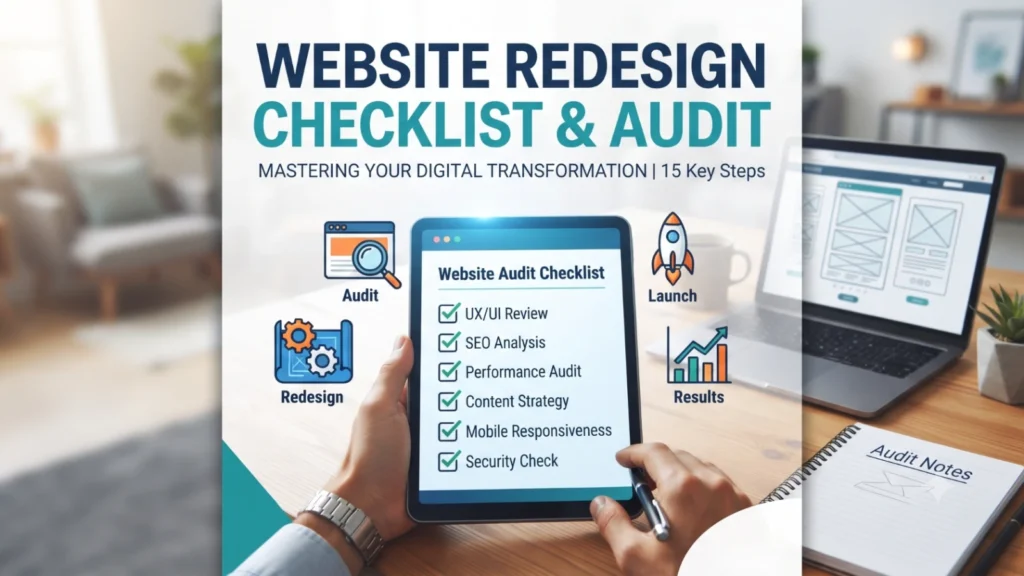
Quick answer: Before redesigning a website, audit these 15 areas first: current traffic sources, top-performing pages, page speed, mobile experience, existing SEO rankings, conversion points, CMS limitations, content gaps, schema/structured data, analytics setup, third-party integrations, brand consistency, accessibility, security status, and hosting quality. A redesign done without this audit risks losing existing rankings and rebuilding around assumptions instead of data.
The checklist
- Current traffic sources — Know where visitors come from (organic, paid, referral, direct) before changing anything that could disrupt those channels.
- Top-performing pages — Identify which pages already drive leads or rankings so they aren’t accidentally broken or deprioritized in the redesign.
- Page speed — Benchmark current load times; a redesign is the ideal time to fix speed issues, not accidentally introduce new ones.
- Mobile experience — Audit how the current site performs on mobile specifically, since a large share of traffic for most businesses is mobile-first.
- Existing SEO rankings — Document current rankings for key pages so you can verify nothing drops after launch, and set up 301 redirects for any URLs that change.
- Conversion points — Map every place the site currently converts a visitor (forms, calls, chat) and make sure the redesign doesn’t quietly remove or bury any of them.
- CMS limitations — Identify what your current platform can’t do that’s driving the redesign — this defines whether you actually need a platform change or just a visual refresh.
- Content gaps — Note missing service pages, outdated case studies, or thin content that the redesign should address, not just re-skin.
- Schema and structured data — Audit what structured data currently exists so it can be carried over and expanded, not lost in the rebuild.
- Analytics setup — Confirm tracking (goals, conversions, events) is documented so it can be rebuilt correctly on the new site rather than leaving a data gap post-launch.
- Third-party integrations — List every integration (CRM, booking tools, chat widgets, payment processors) that must carry over cleanly.
- Brand consistency — Check whether the current design matches your actual current branding, or whether brand and web have drifted apart over time.
- Accessibility — Audit basic accessibility (color contrast, alt text, keyboard navigation) — increasingly a legal and usability consideration, not just a nice-to-have.
- Security status — Confirm SSL, current plugin/software versions, and any known vulnerabilities are documented and resolved during the rebuild.
- Hosting quality — Decide whether current hosting is adequate or whether the redesign should include a hosting migration for better speed and reliability.
The redesign mistake that costs the most
The single most damaging redesign mistake is losing SEO rankings by changing URLs without setting up proper 301 redirects. This alone can erase years of accumulated search visibility within days of launch. Any redesign scope should explicitly include a URL mapping and redirect plan before a single old page goes offline.
When a redesign isn’t actually the right call
If most of this audit comes back fine and the real complaint is “it just looks dated,” a visual refresh — new templates, updated imagery, refreshed copy — is often far cheaper and lower-risk than a full rebuild, and preserves everything that’s already working technically.
FAQ
How long should a proper redesign take?
Including the audit above, a mid-sized business site redesign typically takes 6–10 weeks; rushing this timeline is the most common cause of post-launch issues.
Will a redesign hurt my current SEO?
It can, specifically if URLs change without redirects or if page content is drastically cut. Done correctly with the audit above, a redesign can improve SEO rather than risk it.
Should I redesign and change platforms at the same time?
It’s possible but adds risk and complexity — if the current CMS genuinely can’t do what you need, it’s usually safer to migrate platforms first, then redesign, rather than doing both simultaneously.